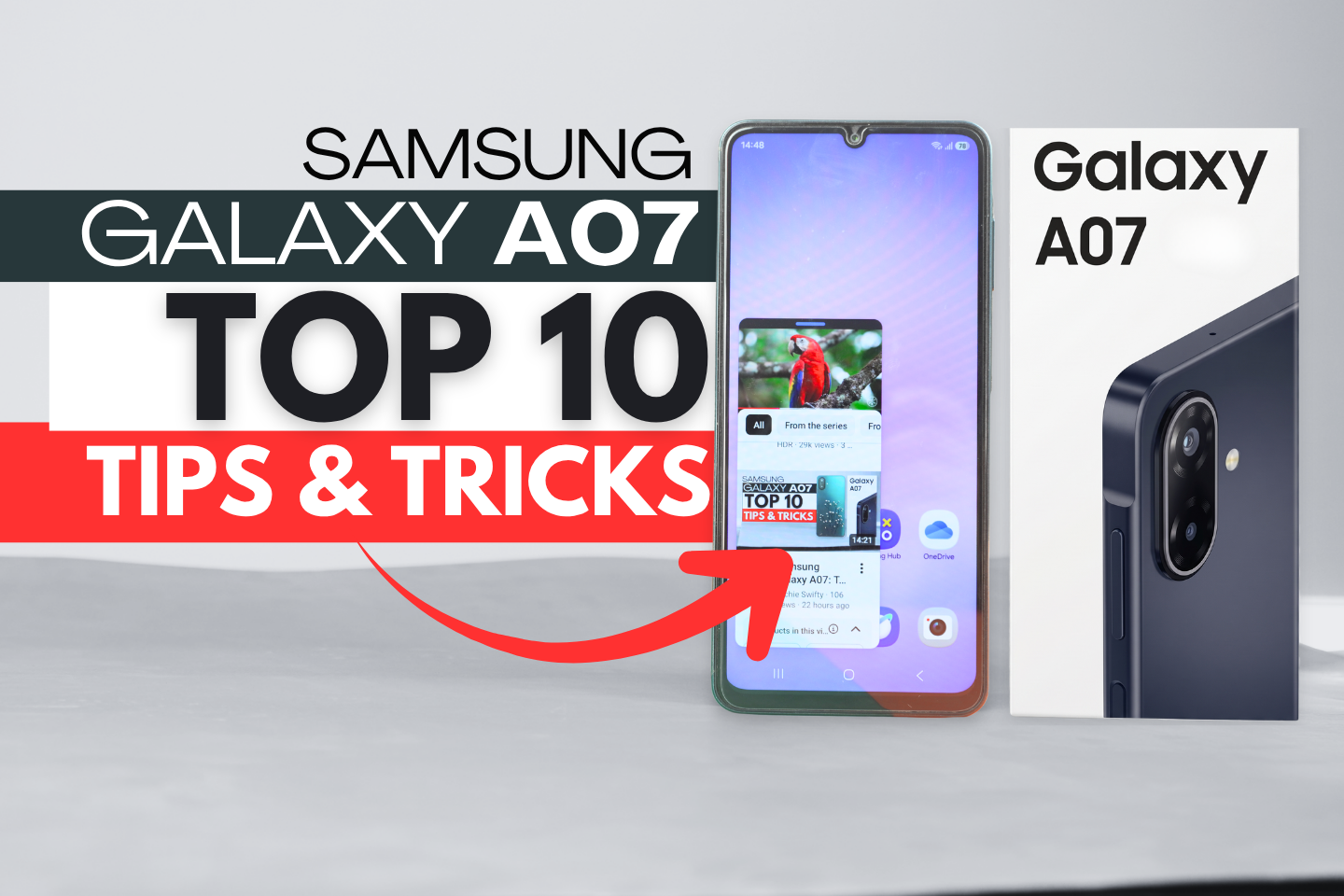

Here are the Samsung Galaxy A07 top 10 tips & tricks
#1 Hide Applications:
You can hide apps for privacy without downloading extra software. Go to the App screen, tap the three dots in the top corner, open Settings, scroll down and select “Hide applications on Home and Apps screens,” and choose the apps you wish to hide.
#2 Dual Messenger:
Use two accounts for social media apps (like Facebook, WhatsApp, or Instagram) on the same device.
Go to Settings > Advanced Features > Dual Messenger to turn it on for compatible apps.
#3 Split Screen (Multi-Window):
Run two apps side-by-side. Enable this by going to:
Settings > Advanced Features > Multi-window and turning on “Swipe for split screen.”
Swipe up from the bottom with two fingers to split the screen and select your second app.
#4 Remap the Side Button:
By default, double-tapping the side button opens the camera.
You can customize this by going to Settings > Advanced Features > Side Button and selecting any other app, such as a voice recorder or WhatsApp.
#5 Camera Settings:
Tap the top icon in the camera app to easily switch between capturing 12MP and 50MP high-resolution photos.
In camera settings, you can also add and customize a watermark to your images.
#6 Swipe to Call or Message:
In your contacts app, swipe right on a contact to instantly call them, or swipe left to send them a text message.
#7 Customize Call Background & Caller ID:
Open the phone app settings to change the call background using any photo or video from your gallery.
You can also turn off “Show contact’s phone number” for privacy so that only the name appears when someone calls.
#8 RAM Plus (Improve Performance):
If you do heavy multitasking, go to Settings > Device Care > Memory > RAM Plus.
This feature uses your storage as virtual RAM (up to 6GB) to keep background apps running smoothly.
#9 Battery Protection:
Extend your battery’s lifespan by navigating to Settings > Battery > Battery Protection.
Choose “Maximum” to stop your phone from charging past 80%, avoiding battery wear from staying at 100% all night.
#10 Smoother Animations:
Make your phone feel faster by altering the animation speeds.
Go to Settings > About Phone > Software Information and tap “Build Number” multiple times to enable Developer Mode.
Then, go back to main settings, scroll down and go to Developer Options and change the Window, Transition, and Animator scale from 1x to .5x or 2x, depending on your preference.