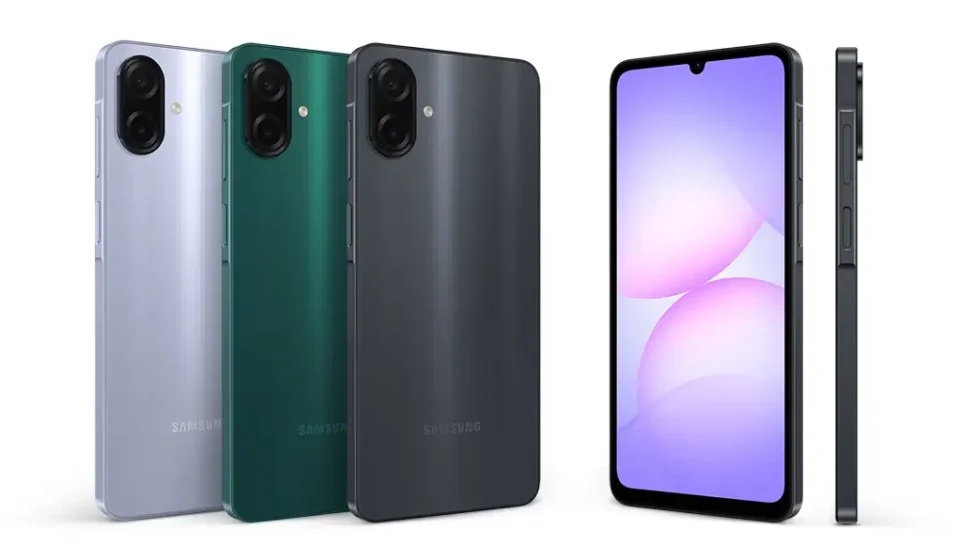

Whenever a new Samsung smartphone launches, one of the first things I look for is its new stock wallpapers. The Samsung Galaxy A07s comes with two stylish default wallpapers that complement its display beautifully. In this post, you can download both official Samsung Galaxy A07s stock wallpapers in their original quality and use them on your own device.
The Official Galaxy A07s Stock Wallpapers
Samsung often uses vibrant abstract designs for its Galaxy A-series wallpapers, and the Galaxy A07s is no exception. These two wallpapers feature rich colors, smooth gradients, and eye-catching patterns that look great on the home screen and lock screen, complementing your app icons and widgets without making the display feel cluttered.
Stock Wallpaper 1

This one brings a lot of energy to the screen with sharp, flowing lines. It’s perfect if you like your home screen to feel dynamic and colorful.
⚠️ Important Note: Please do not save or download the preview images directly from this page, as they are compressed for faster loading. To ensure your wallpaper looks crisp and clear on your screen, always use the download buttons provided below each image to get the full HD resolution files!
Stock Wallpaper 2

A slightly more muted, atmospheric option. This is my go-to recommendation if you want an elegant look that doesn’t distract from your notifications or clock widget.
⚠️ Important Note: Please do not save or download the preview images directly from this page, as they are compressed for faster loading. To ensure your wallpaper looks crisp and clear on your screen, always use the download buttons provided below each image to get the full HD resolution files!
My Custom Design
While the stock options are great, I wanted something tailored with a slightly different aesthetic. I designed this custom wallpaper to keep the top and bottom of the screen relatively clean for the status bar and dock, while drawing the eye toward the center.
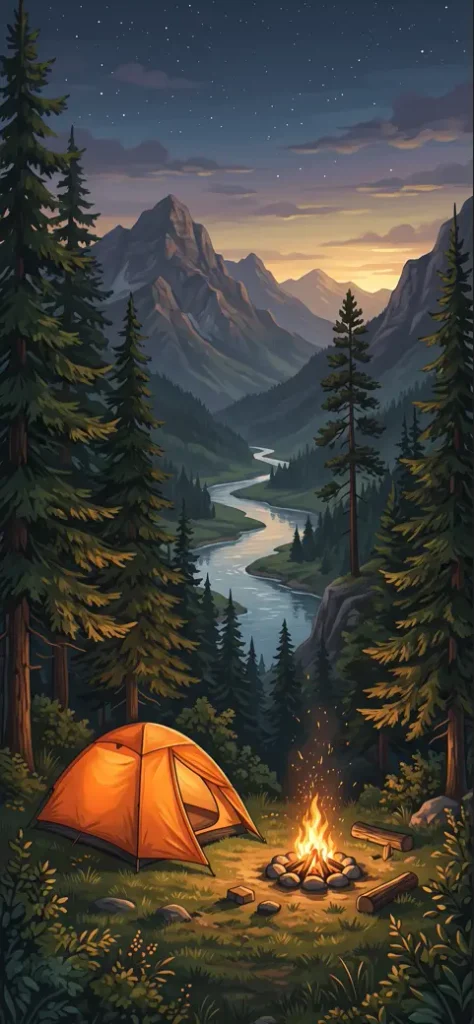
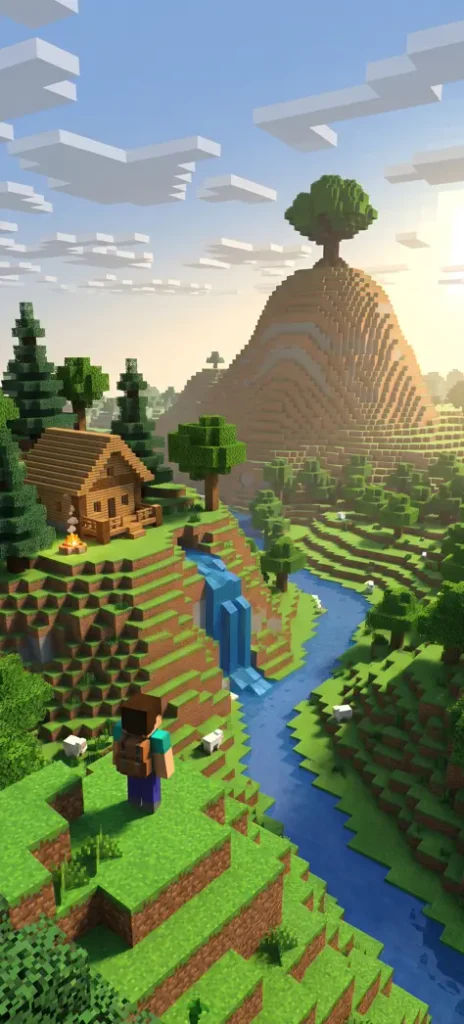
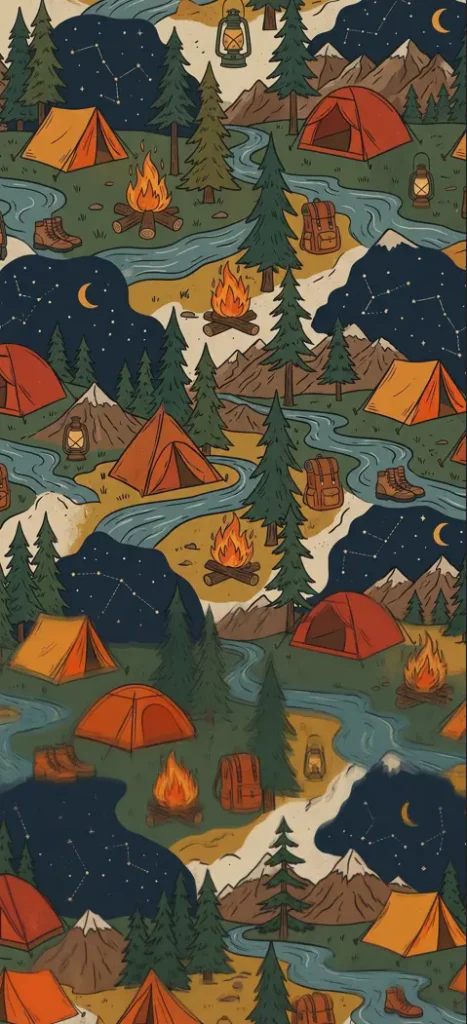
⚠️ Important Note: Please do not save or download the preview images directly from this page, as they are compressed for faster loading. To ensure your wallpaper looks crisp and clear on your screen, always use the download buttons provided below each image to get the full HD resolution files!