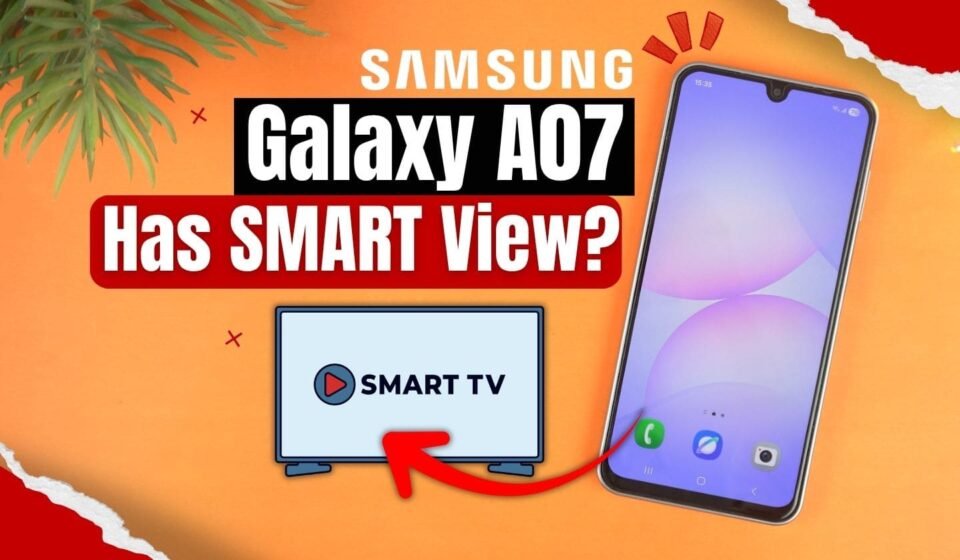

If you recently bought the Samsung Galaxy A07 and trying to connect it to your TV but you can’t find the Smart View button anywhere? Then you are not alone.
Smart View is Samsung’s native screen-mirroring feature that allows compatible Galaxy phones to wirelessly display their screens on supported TVs and monitors.
However, Smart View is not included as a screen-mirroring option on the Galaxy A07.
Why Doesn’t the Galaxy A07 Have Smart View?
The Samsung Galaxy A07 does not have the Smart View because it is a budget phone so Samsung uses a stripped down version of their software called One UI Core on the Samsung Galaxy A07.
Samsung’s official specifications list SmartThings support, but they specifically list Samsung DeX as not supported and MHL as not supported.
So that’s why if you open the quick setting panel, you won’t find the smart view option. It has the smart things but don’t have the smart view.
To save the resources, Samsung completely removed the smart view. I know it’s really bad news.
Can You Use a Third-Party App for Screen Mirroring?
Of course, there are some other screen mirroring applications available on the Play Store and I checked them but most of the ones that actually work are paid.
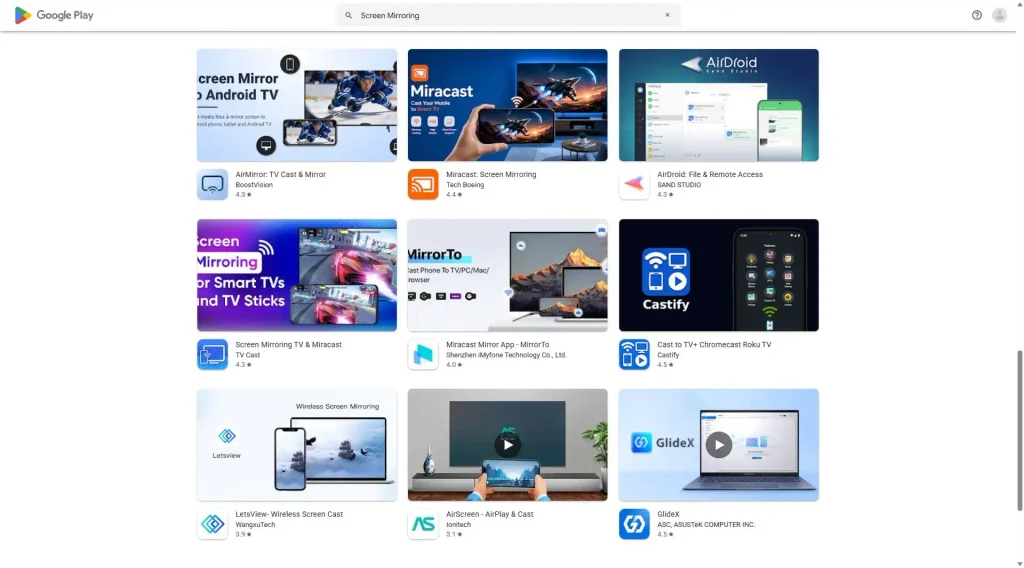
So, if you really need to mirror your screen to a TV for now, then you can consider trying those applications.
What About USB-C to HDMI?
The Galaxy A07 has a USB Type-C port, but that does not mean it can output video directly to an HDMI display.
Samsung’s official specifications list USB Type-C with USB 2.0 and show MHL: No. Therefore, you should not assume that a simple USB-C-to-HDMI adapter will allow you to mirror the Galaxy A07’s screen.
Final Verdict
If you are asking, “Does the Samsung Galaxy A07 have Smart View?”, the answer is No.
Samsung’s official specifications for the Galaxy A07 list features such as Wi-Fi, Wi-Fi Direct and SmartThings support, but they do not list Smart View or native screen mirroring. The specifications also show that the phone does not support MHL.
The Galaxy A07 does not include Samsung’s built-in Smart View screen-mirroring feature. It also does not support MHL, so a standard wired MHL connection is not an option either.
You can still explore third-party screen-mirroring and casting solutions if you need to display your phone on a TV, but these are alternatives and not the same as Samsung Smart View.

What?